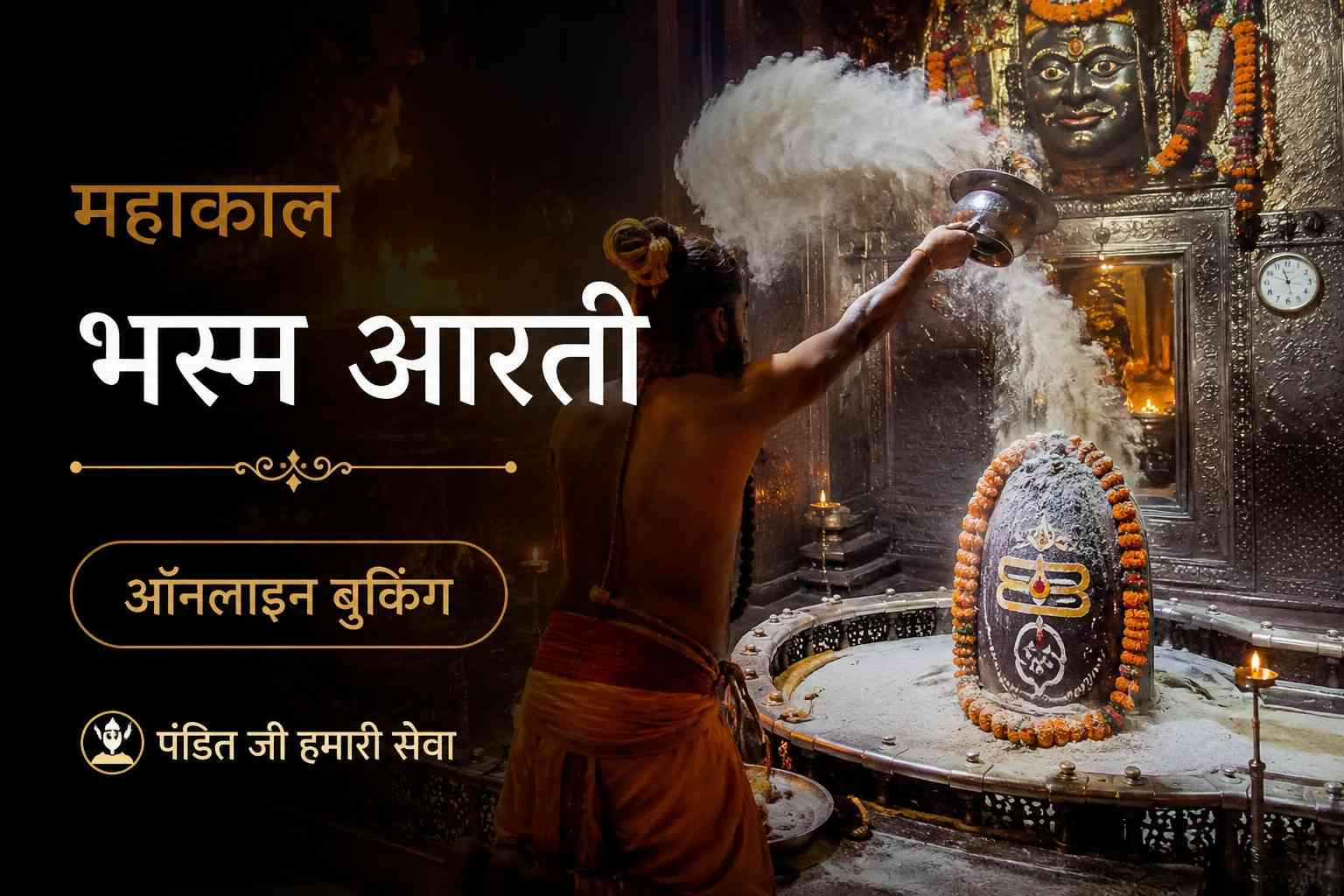
To ensure a fair and transparent system, the Shri Mahakaleshwar Temple Management Committee operates an official online booking portal. Follow these exact steps to secure your ticket:
Step 1: Visit the Official Website. Navigate to the official temple portal provided at the end of this article. Beware of fraudulent websites; only use the official 'shrimahakaleshwar.mp.gov.in' domain.
Step 2: Account Creation and Login. Click on the 'Bhasma Aarti Booking' section. You will need to register using an active mobile number to receive an OTP. Once registered, log in to the portal.
Step 3: Select the Date. Choose your preferred date for the Bhasma Aarti. The calendar will show the availability of slots. Green indicates available slots, while red means fully booked. Booking generally opens 15 to 30 days in advance.
Step 4: Enter Devotee Details. Carefully fill in the details of all devotees (maximum number per ticket may be capped, usually around 4-5 people). You must enter the exact name, age, gender, and Aadhaar card (or other valid government ID) number for each person.
Step 5: Upload Photographs and IDs. You must upload recent passport-sized photographs and scanned copies of the identity proofs for all devotees. Ensure the file sizes meet the portal's requirements (usually under 50KB-100KB per image).
Step 6: Payment. Pay the requisite facilitation or donation fee online using UPI, Credit/Debit Card, or Net Banking.
Step 7: Download the Ticket. Once the payment is successful, download and print the confirmation ticket. You must carry a physical printout of this ticket along with the original ID proofs on the day of the Aarti.